Dialog
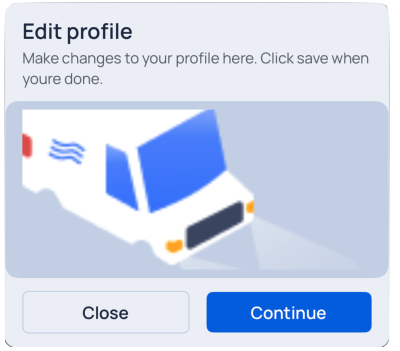
A window overlaid on either the primary window or another dialog window, rendering the content underneath inert.
⚠️ Important: You must wrap your app with
SmacOverlayProviderto useuseGlobalOverlay. More:Installation.
Usage
import { Dialog } from "@smartacteam/react-native-ui";
<Dialog.Root>
  <Dialog.Header>
    <Text title>
      Are you absolutely sure?
    </Text>
    <Text description>
      This action cannot be undone. This will permanently delete your account and remove your data from our servers.
    </Text>
  </Dialog.Header>
  <Dialog.Footer justify_end>
    <Button
      label="Close"
      variant="secondary"
      onPress={close}
    />
    <Button label="Continue" variant="primary" />
  </Dialog.Footer>
</Dialog.Root>
Call example
There are two main methods to show dialog, showCustomDialog and showDialog. showDialog already has Buttons and header, with place for your content, while showCustomDialog is for your custom dialog
Props
You can view DialogOptions and CustomDialogOptions on useGlobalOverlay page